Dual Booting: Linux Mint 15 "Olivia" Cinnamon Edition Installed
Returning to Linux alongside Windows 7, I installed Linux Mint 15's Cinnamon edition for easy access to security, networking, and programming tools. The setup was painless, with everything working out of the box.

I ran Linux exclusively for several years up until 2010 or so when I bought a Windows 7 box. The Windows box is reasonably secure and generally less annoying than previous versions of Windows so I kept the OS around. Plus, I’ve sort of needed access to Windows for a few things.
Anyway, I’ve missed Linux. It still has it’s annoyances but they’re few and far between and it’s a great platform for easy and free access to a ton of security, networking, and programming tools. That’s why I finally set aside the time to install it tonight.
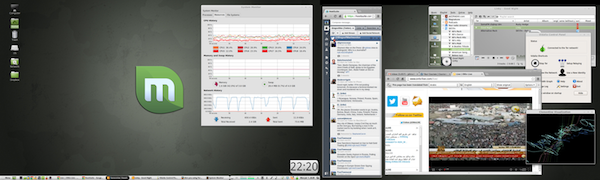
Installation was straightforward and painless – as most Linux installs are these days. Everything worked out of the box and I was able to install some of my favorite applications and configure it to my liking in just a few minutes – as you can see from the screenshot above. Not much has changed since I’ve left. That’s good.
You can download Linux Mint here.